

Phone & SMS
Set up phone and SMS messaging in Replyn to send and receive text messages from your unified inbox.
The Phone & SMS channel in Replyn lets you send and receive text messages directly from your dashboard. Manage SMS conversations alongside your other channels, keeping all customer communications in one place.
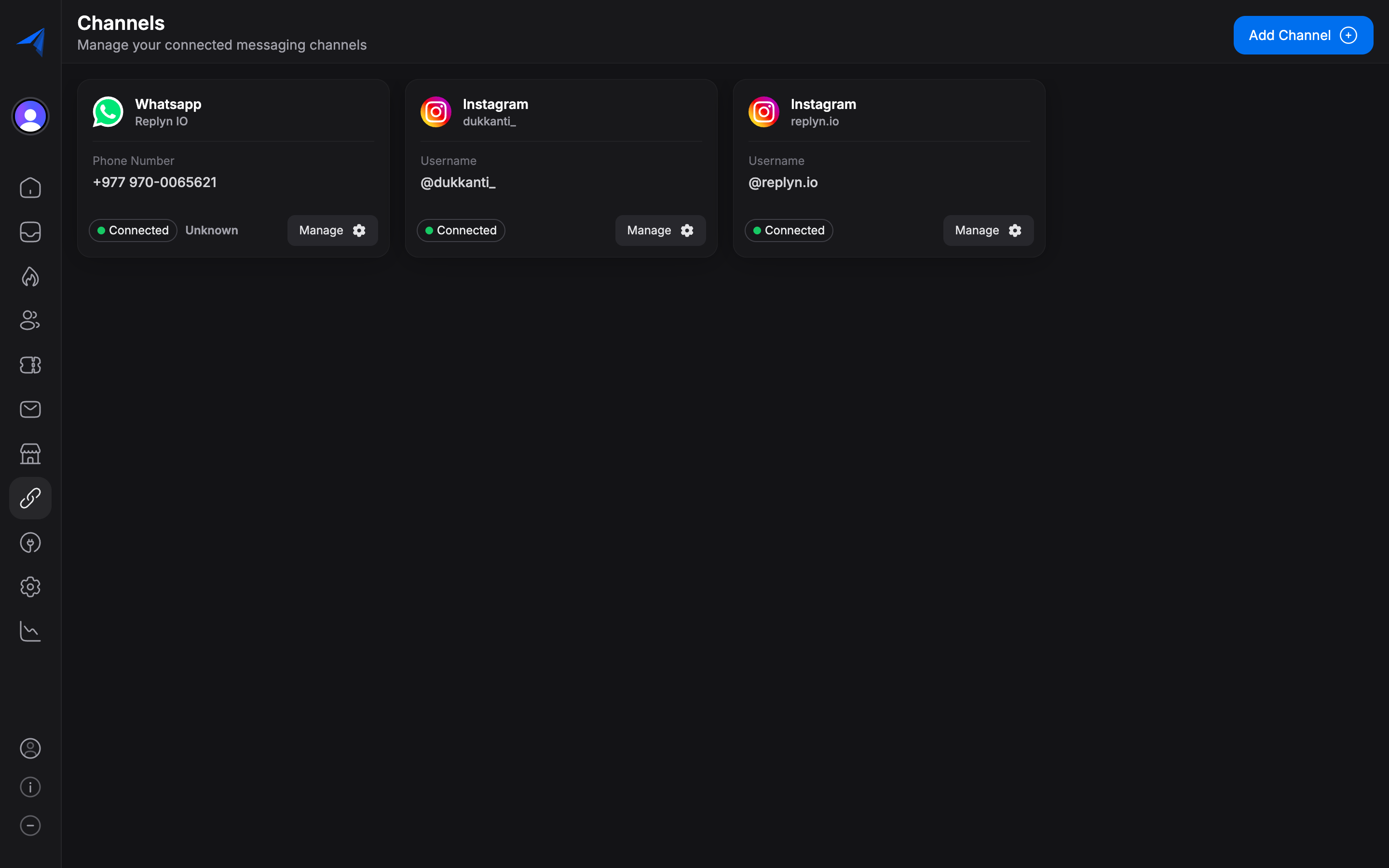
Setting Up the Phone Channel
Open Channel Settings
In your Replyn dashboard, navigate to Settings > Channels and click Add Channel. Select Phone & SMS from the list.
Choose a Phone Number
Depending on your plan and region, you can either:
- Get a new number — Replyn can provision a new phone number for your business. Select your preferred country and area code.
- Bring your own number — If you have an existing business phone number, you can port it to Replyn's SMS infrastructure.
Verify Your Number
If you are bringing your own number, complete the verification process. Replyn will send a verification code to confirm ownership.
Configure Channel Settings
Set an internal name for the channel, assign it to a team, and configure notification preferences. Click Save to activate the channel.
Test Your Setup
Send a test SMS to your configured number from a personal phone. The message should appear in your Replyn inbox within seconds.
Regional Availability: SMS functionality is not available in all countries and regions. Availability depends on local telecommunications regulations and carrier partnerships. Check with Replyn support for the most up-to-date list of supported regions.
Managing SMS Conversations
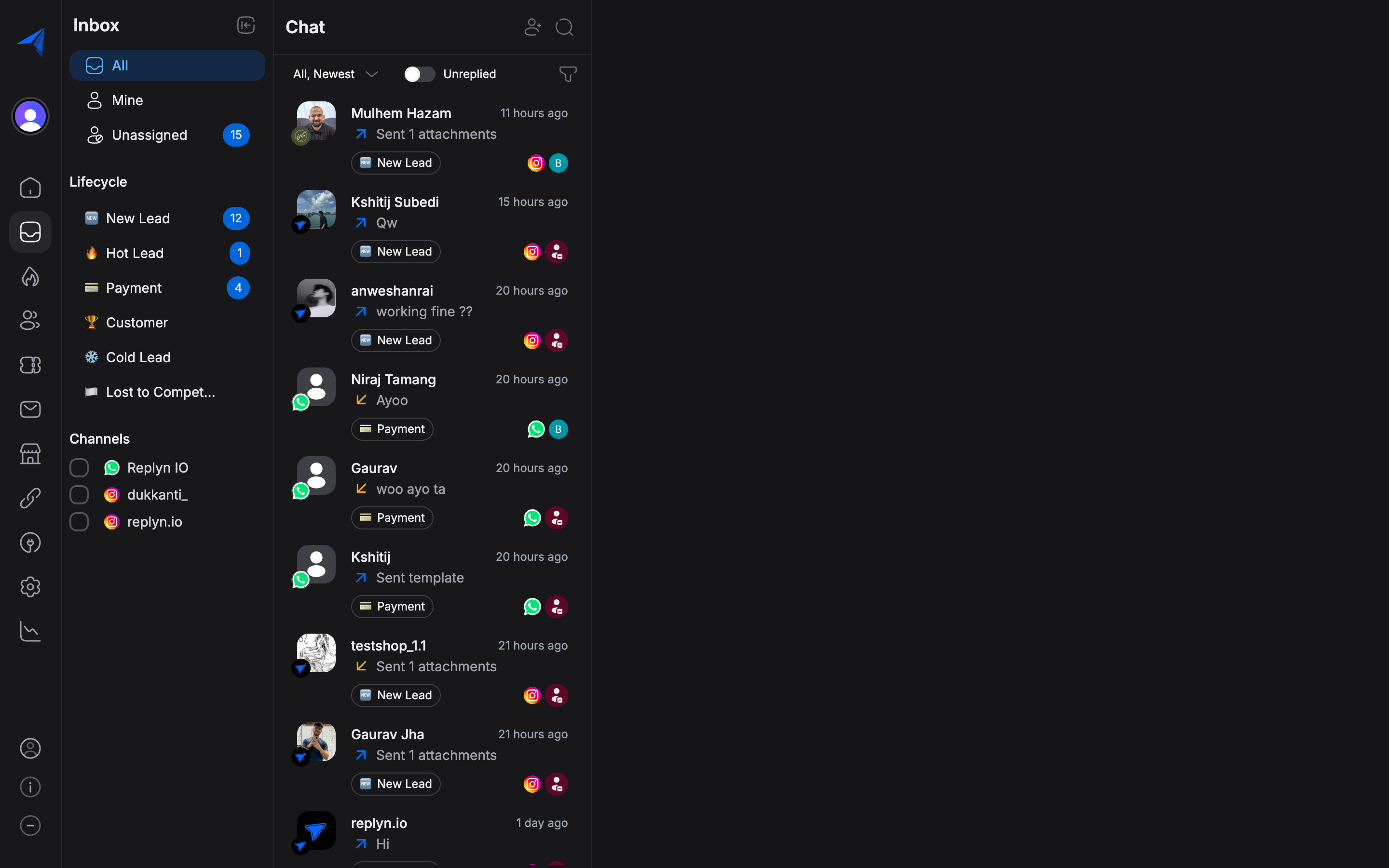
Once your phone channel is set up, SMS conversations are managed through the same unified inbox as all other channels.
Receiving SMS Messages
Inbound SMS messages appear in your Replyn inbox in real time. Each conversation shows:
- The sender's phone number (and contact name, if they are an existing contact).
- The full message thread.
- Timestamps for each message.
Sending SMS Messages
You can send SMS messages in two ways:
Replying to an existing conversation:
- Open the SMS conversation in your inbox.
- Type your message in the composer.
- Click Send.
Starting a new conversation:
- Click New Conversation in your inbox.
- Select the Phone & SMS channel.
- Enter the recipient's phone number.
- Type your message and click Send.
SMS Character Limits
Standard SMS messages have a 160-character limit per segment. Longer messages are automatically split into multiple segments. Keep in mind:
- Messages over 160 characters are sent as multiple segments and may incur additional costs.
- Special characters (such as emojis or non-Latin characters) reduce the per-segment limit to 70 characters.
- Replyn shows a character counter in the message composer to help you stay within limits.
Contact Linking
When a customer sends an SMS, Replyn automatically matches the phone number to an existing Contact record. If no match is found, a new contact is created with the phone number as the primary identifier.
SMS in Broadcasts
You can use the Phone & SMS channel for Broadcasts to send bulk SMS messages to your contacts. This is useful for:
- Appointment reminders (clinics)
- Order updates and delivery notifications (ecommerce)
- Promotional offers and announcements
- Event notifications
SMS broadcasts require contacts to have valid phone numbers. Make sure your contact list includes properly formatted phone numbers with country codes before sending an SMS broadcast.
Troubleshooting
| Issue | Solution |
|---|---|
| Messages not being received | Verify your phone number is correctly configured and active in Settings. |
| Outbound messages failing | Check that the recipient's number is valid and includes the correct country code. |
| Delayed message delivery | SMS delivery depends on carrier networks and may occasionally experience delays. |
| Number not available for your region | Contact Replyn support to check regional availability and alternative options. |
Best Practices
- Include your business name — SMS messages do not always show your business name. Start messages with your business name so customers know who is contacting them.
- Keep messages concise — SMS is best for short, actionable messages. For longer communications, consider using WhatsApp or email.
- Respect opt-out requests — Always honor unsubscribe requests promptly and comply with local SMS marketing regulations.
- Use templates for consistency — Create saved replies for common SMS use cases like appointment confirmations and order updates.
- Monitor costs — SMS messaging costs vary by region and volume. Track your usage in Reports to manage expenses.