

TikTok
Connect your TikTok Business account to Replyn and manage customer messages from your unified inbox.
Connect your TikTok Business account to Replyn to manage customer messages and engagement from your unified inbox. Respond to inquiries from TikTok users alongside your other channels without switching between apps.
Prerequisites
Before connecting TikTok to Replyn, ensure you have:
- A TikTok Business account — personal accounts cannot be connected.
- Admin access to the TikTok Business account you want to link.
- Admin access to your Replyn workspace.
To switch to a TikTok Business account, open TikTok, go to Settings and Privacy > Account > Switch to Business Account, and follow the prompts.
Connecting TikTok to Replyn
Open Channel Settings
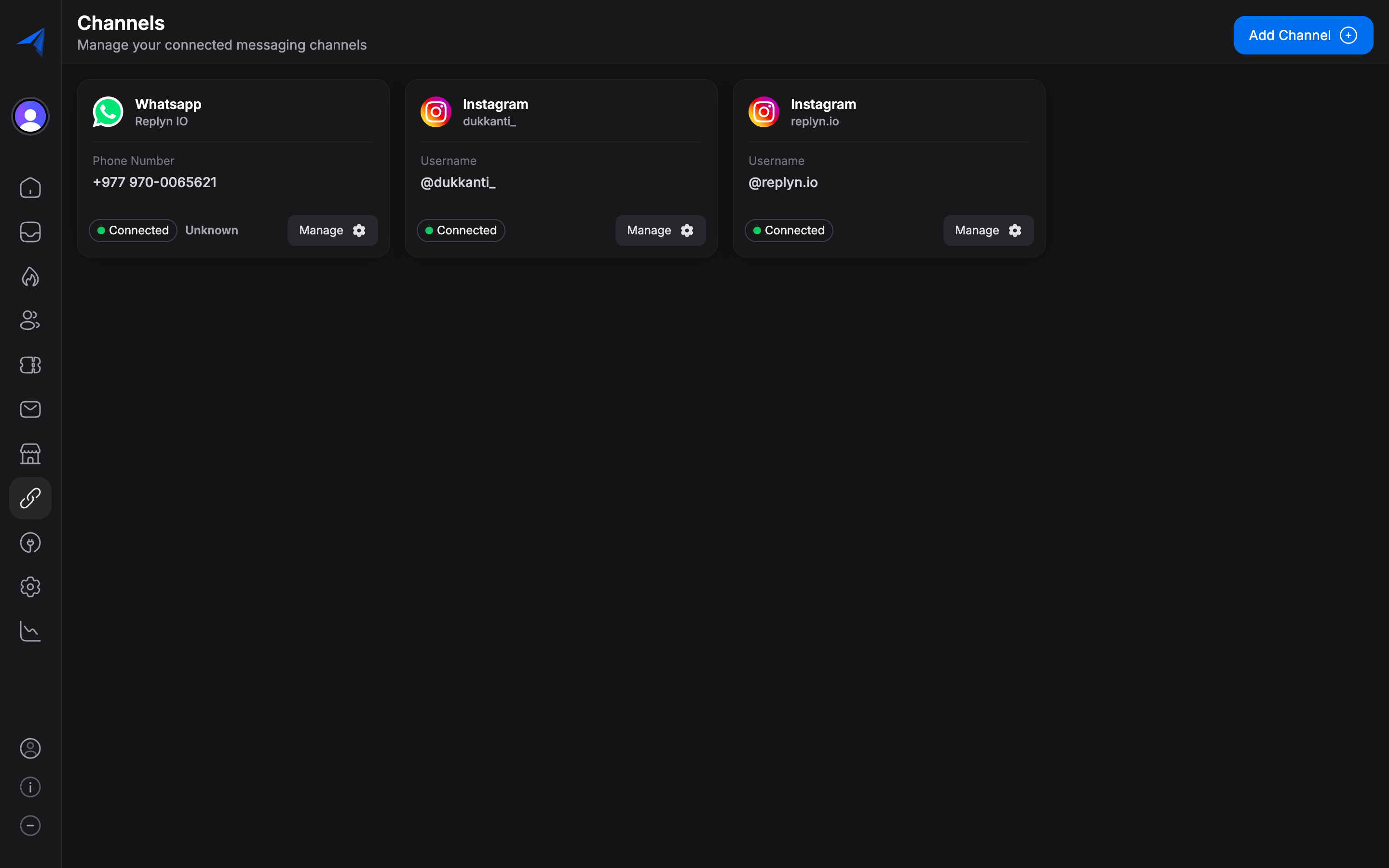
In your Replyn dashboard, navigate to Settings > Channels and click Add Channel. Select TikTok from the list.
Authenticate with TikTok
Click Connect with TikTok to begin the authentication flow. You will be redirected to TikTok where you need to sign in with your Business account credentials.
Grant Permissions
TikTok will ask you to authorize Replyn to access your account. Grant the requested permissions to allow message management and engagement tracking.
Configure Channel Settings
Give your TikTok channel an internal name within Replyn, assign it to a team, and set notification preferences. Click Save to complete the setup.
Verify Connection
Your TikTok channel should now appear under Settings > Channels with a green Connected status. Verify the connection by checking that your TikTok profile information appears correctly in Replyn.
Managing TikTok Messages
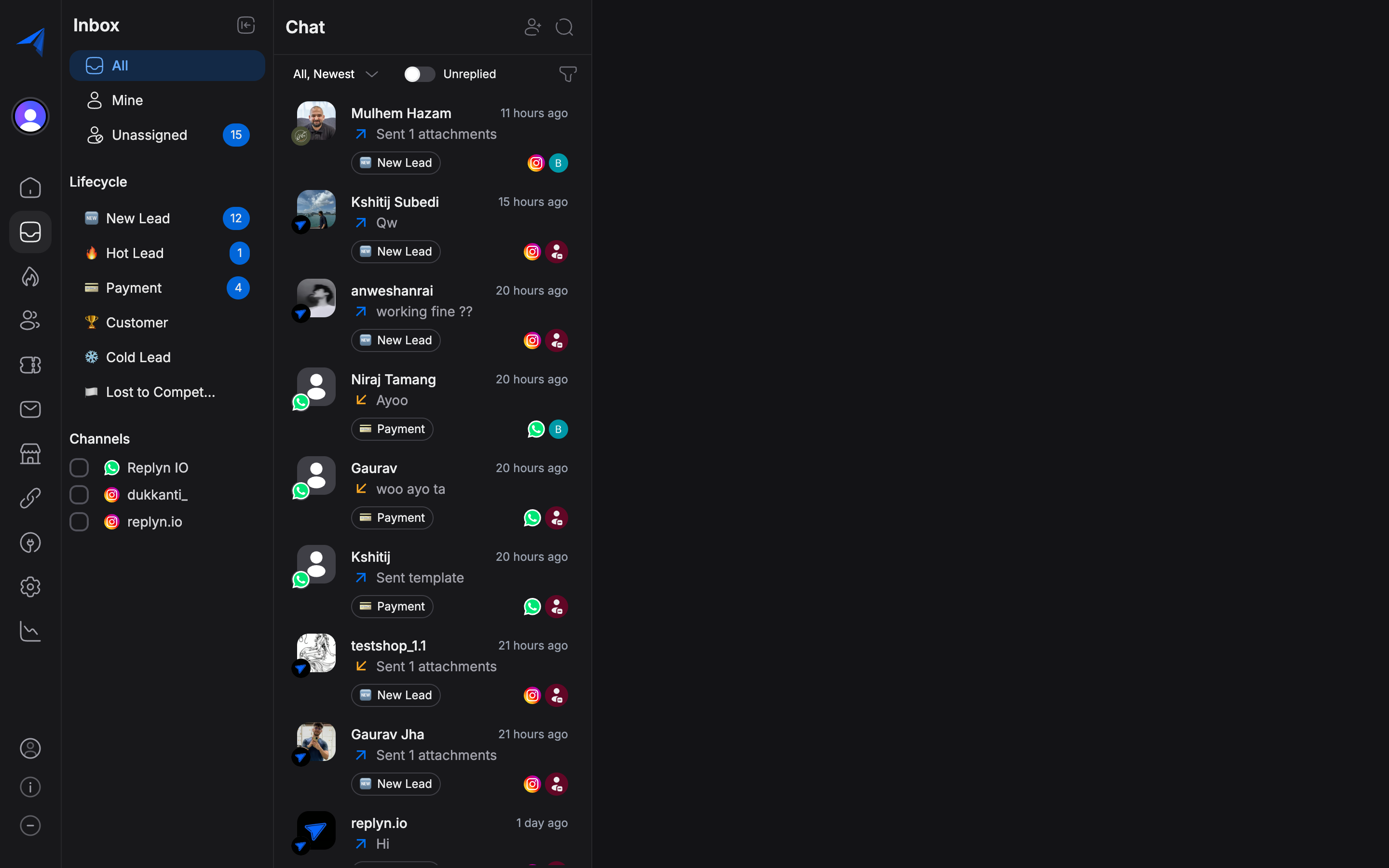
Once connected, messages from TikTok users appear in your Replyn Inbox alongside conversations from other channels.
Receiving Messages
New messages and interactions from TikTok are synced to your inbox in real time. Each conversation displays:
- The TikTok user's display name and profile picture.
- The full message history.
- Any media shared in the conversation.
Replying to Messages
Respond to TikTok messages directly from your Replyn inbox:
- Open the conversation from the inbox.
- Type your reply in the message composer.
- Click Send to deliver your reply on TikTok.
Conversation Management
You can manage TikTok conversations the same way you manage messages from other channels:
- Assign conversations to specific team members.
- Tag conversations for categorization and filtering.
- Add internal notes visible only to your team.
- Close conversations when they are resolved.
Contact Linking
When a TikTok user messages you, Replyn automatically creates a Contact record. If the same customer has interacted with you on other channels, you can merge their contact records to maintain a unified customer profile.
Best Practices
- Stay responsive — TikTok users expect quick replies, especially when engaging with business content.
- Use saved replies — Create templates for common TikTok inquiries like product questions and order status.
- Link to your store — When handling product inquiries, share direct links to your ecommerce products or website.
- Track engagement — Use Reports to monitor TikTok channel performance and response metrics.