

Instagram Feed Management
View, monitor, and respond to Instagram feed posts and comments directly from Replyn.
Replyn lets you monitor and manage your Instagram feed interactions without leaving your dashboard. View comments on your posts, reply to them, and seamlessly transition feed interactions into direct message conversations.
Viewing Feed Posts and Comments
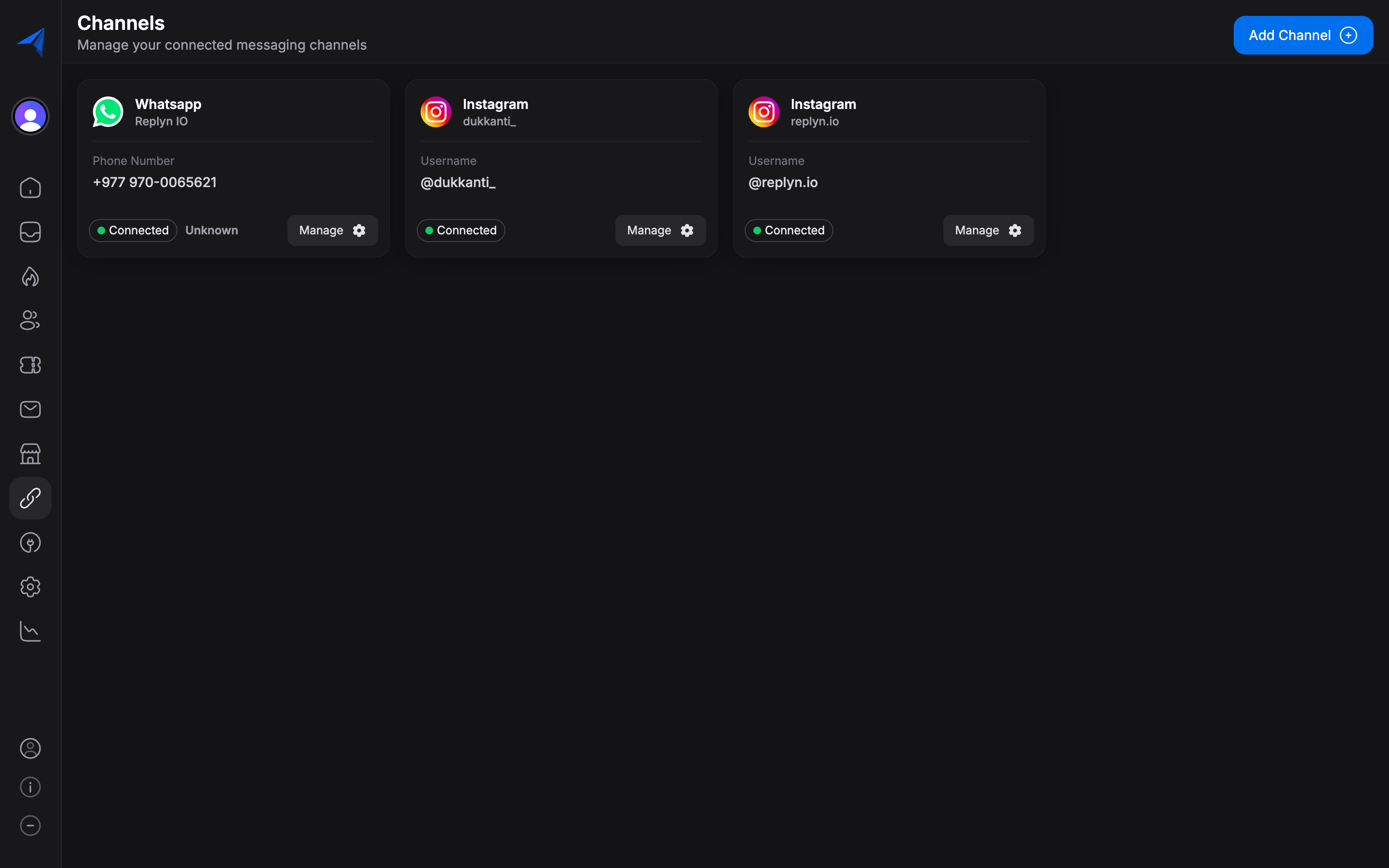
Once your Instagram account is connected to Replyn, your recent feed posts and their comments are synced automatically.
Accessing Feed Comments
To view your Instagram feed activity:
- Navigate to your Inbox in Replyn.
- Use the channel filter to select Instagram.
- Comments on your posts will appear as conversation threads, grouped by post.
Each comment thread shows:
- The original post (with a thumbnail preview).
- All comments and replies on that post.
- The commenter's Instagram username and profile picture.
- The timestamp of each comment.
Replying to Comments from Replyn
You can reply to Instagram comments directly from Replyn, keeping your engagement workflow centralized.
Select a Comment Thread
Click on a comment notification or thread in your inbox to open the conversation view.
Write Your Reply
Type your reply in the message composer at the bottom of the conversation view. Your reply will be posted as a public reply to the comment on Instagram.
Send
Click Send or press Enter to post your reply. The reply will appear on the Instagram post within seconds.
Replies to comments are public and visible to anyone who can see the original Instagram post. For private follow-ups, switch to a direct message conversation with the commenter.
Managing DMs from Feed Interactions
Sometimes a comment on your post signals a sales opportunity or support request that is better handled in a private conversation. Replyn makes it easy to move from a public comment to a private DM.
Starting a DM from a Comment
When viewing a comment thread, you can initiate a direct message conversation with the commenter:
- Click the commenter's profile name or the Send DM action in the conversation toolbar.
- A new DM conversation will open with the commenter.
- The DM thread will be linked to the original comment for context.
This is especially useful for:
- Ecommerce: Following up on product inquiries or purchase interest expressed in comments.
- Clinics: Privately handling appointment requests or health-related questions posted publicly.
- Customer support: Resolving issues that require sharing private information like order numbers or account details.

Comment Notifications
Replyn notifies you of new Instagram comments based on your notification preferences:
- In-app notifications — See a badge count on your inbox and receive real-time pop-up notifications.
- Email notifications — Receive email alerts for new comments (configurable in Settings).
- Assignment notifications — If a comment thread is assigned to a team member, only that member receives notifications.
To configure notification preferences, go to Settings > Notifications.
Best Practices
- Respond promptly — Fast replies to comments boost engagement and show your audience you are active.
- Move sensitive conversations to DMs — Never share or request personal information in public comments.
- Use internal notes — Add internal notes to comment threads to share context with your team before replying.
- Monitor regularly — Check your Instagram feed activity daily to stay on top of customer interactions.